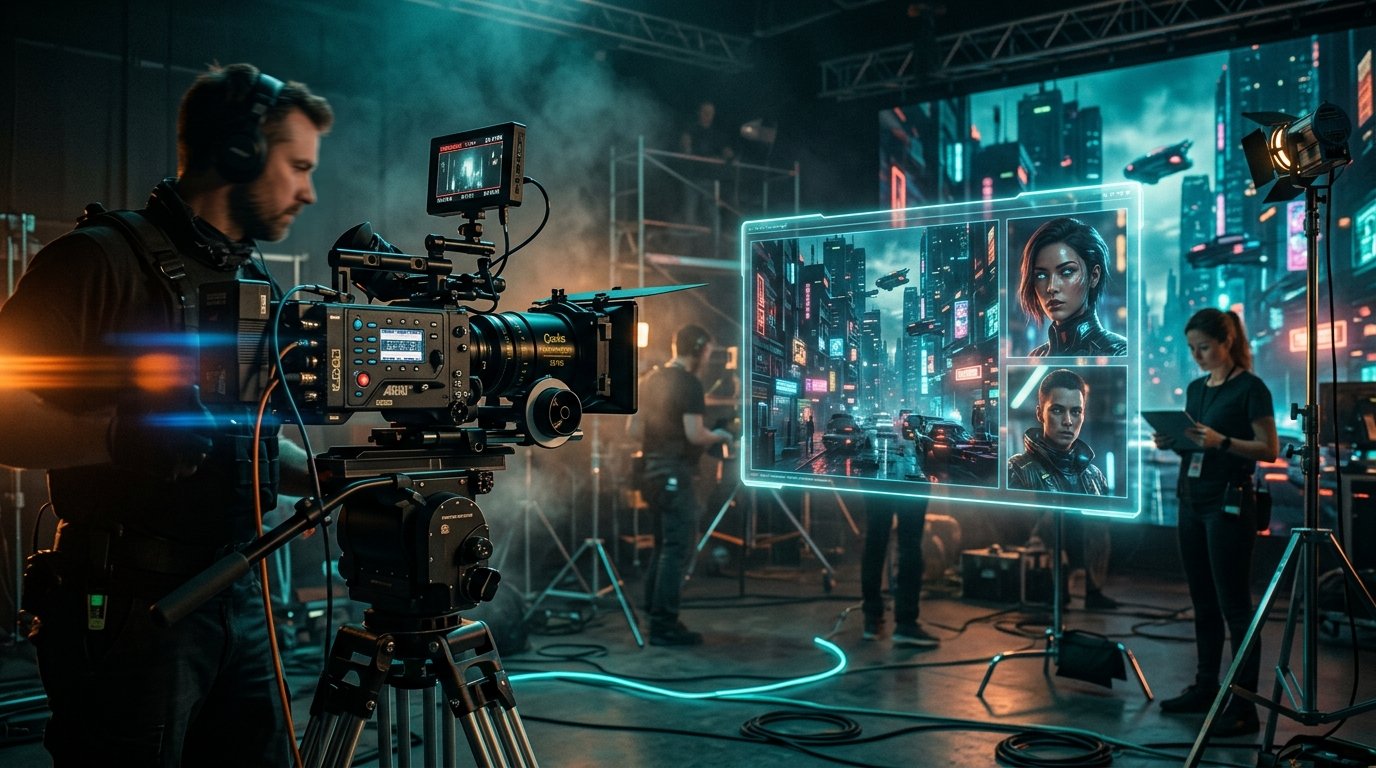


Generating life-like AI portraits used to be a hit-or-miss game of trial and error. You would type “photorealistic portrait of a man,” only to get plastic-looking skin, blurry eyes, or weird lighting artifacting.
To generate hyper-realistic AI portraits in Midjourney, you need specific photographic terminology—including exact camera lenses, lighting directions, aperture settings, and skin texture modifiers.
In this comprehensive guide, we will explore the exact prompt engineering techniques, lighting setups, camera parameters, and keyword strategies required to master photorealistic portrait generation in Midjourney.
Understanding Midjourney’s Photographic Engine
Midjourney doesn’t respond well to vague buzzwords like “hyper-detailed,” “4K,” or “ultra-realistic.” In fact, these words often trigger over-processed, plastic-looking renders. Instead, Midjourney’s model understands real-world camera hardware, lighting physics, and photographic terms.
Why Generic Prompts Fail (And What to Do Instead)
-
Avoid Vague Modifiers: Words like “masterpiece” or “real” push the AI toward stylized glossy digital art.
-
Use Real Camera Gear: Specifying actual camera bodies (e.g., Canon EOS R5, Hasselblad, Leica M11) and prime lenses (85mm f/1.4, 105mm macro) forces the AI to mimic optical depth of field and lens bokeh.
-
Describe Skin Micro-Textures: Mentioning natural skin pores, fine freckles, subtle wrinkles, and subsurface scattering signals the AI to preserve realistic skin details rather than smoothing them out.
Internal Resource: For ready-to-use style templates and structured copy-paste prompts across various artistic aesthetics, check out our full AI image prompts collection on Explanex.
Master These 4 Critical Elements for Realistic AI Faces
To consistently achieve natural results, you must control four distinct photographic layers in your prompt structure.
1. Camera Lens Selection & Aperture Control
The choice of focal length dramatically changes facial proportions and background compression:
-
85mm f/1.4 Lens: The gold standard for portrait photography. It creates a natural facial perspective with smooth background blur (bokeh).
-
105mm f/2.8 Macro Lens: Ideal for extreme close-ups, capturing fine iris details and skin textures.
-
35mm f/1.8 Lens: Great for environmental portraits where you want to show the character within their surrounding context.
2. Studio & Natural Lighting Techniques
Lighting creates depth, emotion, and realism. Instead of generic “bright light,” use precise studio lighting setups:
-
Rembrandt Lighting: Creates a small inverted triangle of light on the shadowed cheek, adding dramatic depth.
-
Softbox Octabox Diffusion: Provides soft, even key light with gentle shadows, perfect for beauty and commercial portraits.
-
Golden Hour Backlighting: Natural late-afternoon sun that creates a warm glow around hair and rim highlights.
3. Authentic Skin Texture & Facial Details
To eliminate the smooth “plastic AI face” effect:
-
Include terms like subsurface scattering (how light penetrates skin), unfiltered raw capture, and natural skin imperfections.
-
Always specify lighting catchlights (e.g., soft catchlight in pupils), which makes the eyes look alive instead of hollow.
4. Essential Midjourney Parameters
Adding the right parameters at the end of your prompt ensures Midjourney sticks to photographic realism:
| Parameter | Function | Recommended Setting |
--style raw |
Bypasses Midjourney’s default stylized engine for pure photorealism | --style raw |
--ar |
Controls aspect ratio for portrait cropping | --ar 4:5 (Instagram) or --ar 3:4 |
--stylize (--s) |
Controls artistic strength (lower values stay truer to photographic input) | --s 50 to --s 100 |
Breakdown of Key Portrait Styles & Keyword Applications
When crafting prompts for different character aesthetics, tailoring your keyword cluster ensures accurate results.
1. Cinematic Character Design
When creating moody, narrative-driven portraits, combine environmental lighting with specific mood keywords:
-
Keywords to Use: volumetric mist, cyan and magenta rim light, wet street reflections, anamorphic lens flare.
-
Why it Works: Anamorphic lens terms force widescreen lens characteristics and cinematic color grading.
2. Commercial Beauty & High-Fashion
Commercial shots require clean light and zero AI smoothing artifacts:
-
Keywords to Use: commercial studio headshot, softbox lighting, clean white backdrop, unedited skin texture, 105mm lens.
-
Why it Works: Studio lighting terms tell the AI to render clean, high-dynamic-range highlights without harsh noise.
3. Documentary & Environmental Portraits
For authentic, story-rich faces (e.g., weathered elders, craftsmen, outdoor travelers):
-
Keywords to Use: weathered wrinkles, salt spray, natural sunlight, National Geographic style, candid capture.
-
Why it Works: Documentary keywords prioritize character flaws and natural imperfections over polished beauty.
How AI Search Engines Analyze Image Prompts vs Traditional Search
As answer engines evolve, understanding how generative search platforms process visual prompts is crucial for modern content strategy. Multimodal models analyze text prompts and image outputs simultaneously to understand visual intent.
To learn more about how generative AI models index and process visual content differently from traditional web crawlers, read our full breakdown on AI search vs Google search capabilities.
Frequently Asked Questions (FAQs)
How do I stop Midjourney from making skin look fake or plastic?
Avoid buzzwords like “smooth,” “perfect,” or “4K.” Instead, use natural skin texture, visible pores, unedited raw photograph, and append the parameter --style raw to your prompt.
What is the best camera lens setting for Midjourney portraits?
An 85mm lens with an f/1.4 or f/1.8 aperture is the most versatile setting for natural facial proportions and soft background blur.
Does --style raw work in Midjourney v6?
Yes, --style raw works in Midjourney v6 and newer versions. It reduces the automatic artistic flair and enforces a more direct, photographic interpretation of your prompt.
Conclusion
Generating realistic AI portraits in Midjourney isn’t about luck—it’s about applying real-world photography principles. By combining specific camera lenses, studio lighting setups, skin texture keywords, and raw parameters, you can reliably produce photorealistic characters and portraits.